Open WebUI plugin
Access ImageRouter in Open WebUI with the ready-made ImageRouter Plugin.
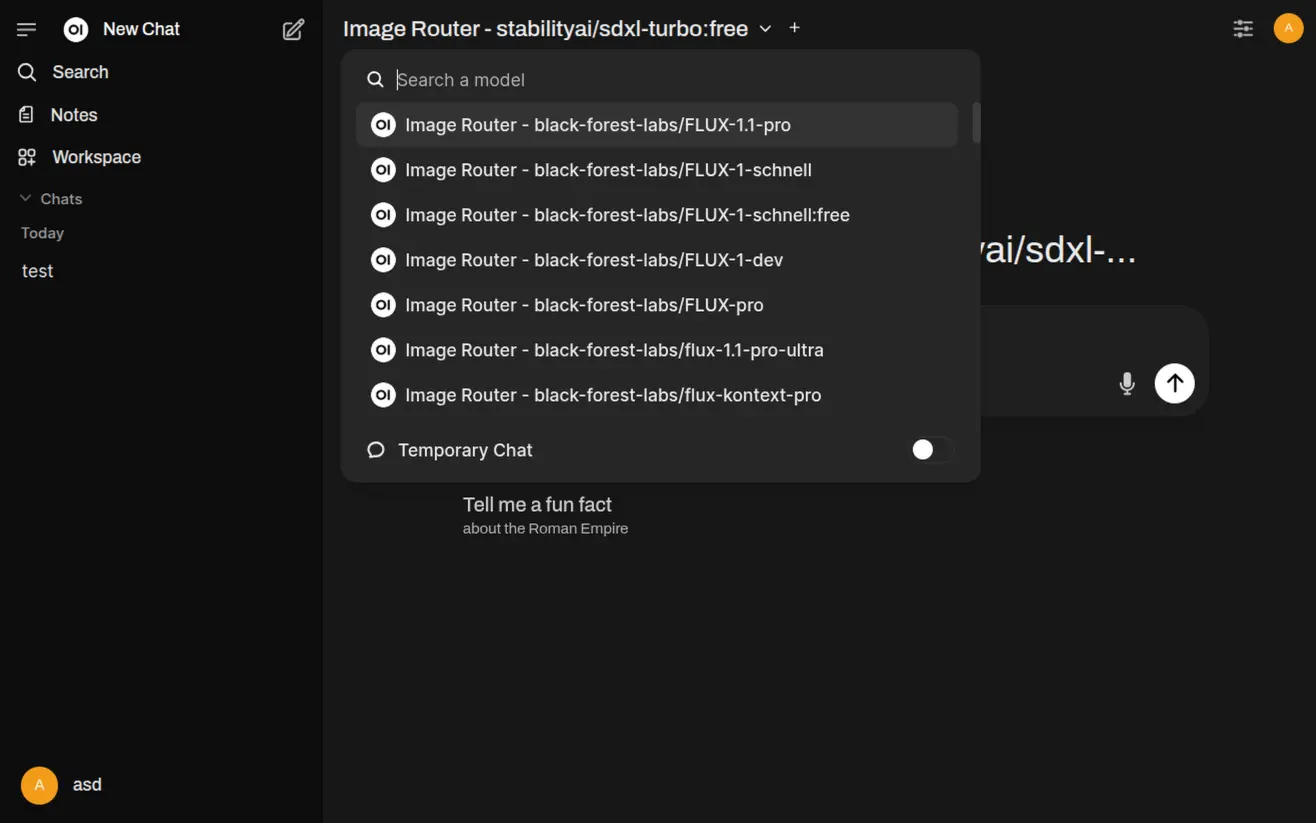
Supported functions:
✅ Text to Image
✅ Image to Image
❌ Video generation (use the ImageRouter chat for videos)
1. Install the function
Section titled “1. Install the function”- Open openwebui.com/f/dawe/imagerouter
- Click Get and Import to WebUI.
- Click Save. You should now see a new Image Router entry in the Functions list.
2. Configure your API key
Section titled “2. Configure your API key”- In the Functions list click the Settings icon for the ImageRouter.io function.
- Enter your ImageRouter API. Get an API key if you need.
- Hit save.
3. Generate an image
Section titled “3. Generate an image”- Open any chat.
- Select the desired ImageRouter model from the model selector.
- Send an image prompt such as:
sunset over a mountainWithin a few seconds (or minutes, depending on the model) the generated image URL will be streamed back and rendered inline 🎉
Note: the plugin will only use your latest message for image generation. It will not remember your previous request or images:
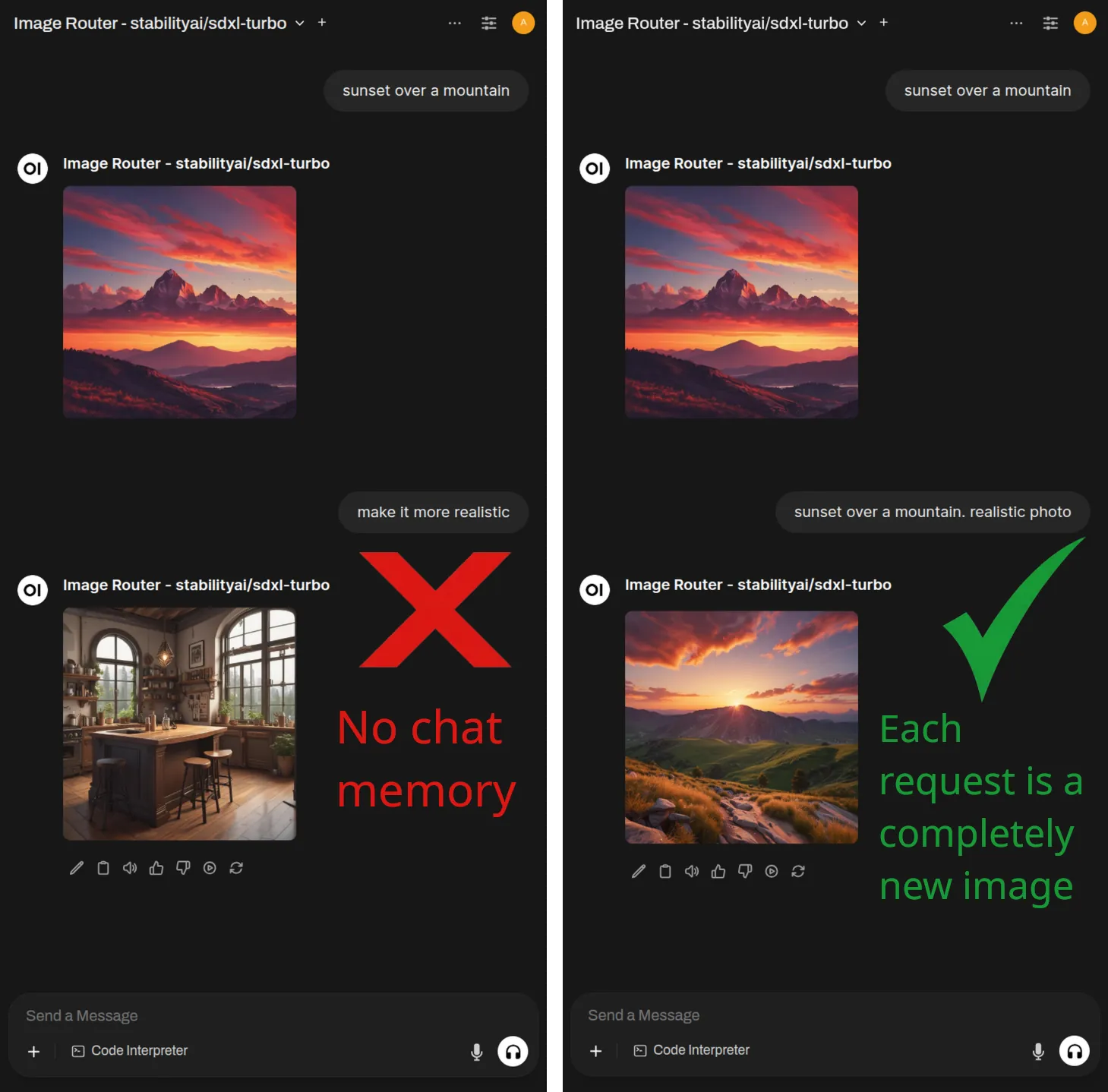
If you want to edit an image, send it back to an image editor model in a new prompt (as attachment alongside the prompt)
Need help? Contact me.